-
-
-
-
-
-
-
VIDEO -
Image Unavailable
Colour:
-
-
-
- To view this video, download
Safety and product resources
Issue loading the information
Documents
Vanja SD Card Reader, USB-C & USB Memory Card Reader, Camera SD Card Adapter for Micro SD, SDXC, SDHC and UHS-I Cards
Purchase options and add-ons
| Brand | Vanja |
| Media type | SDHC, SDXC |
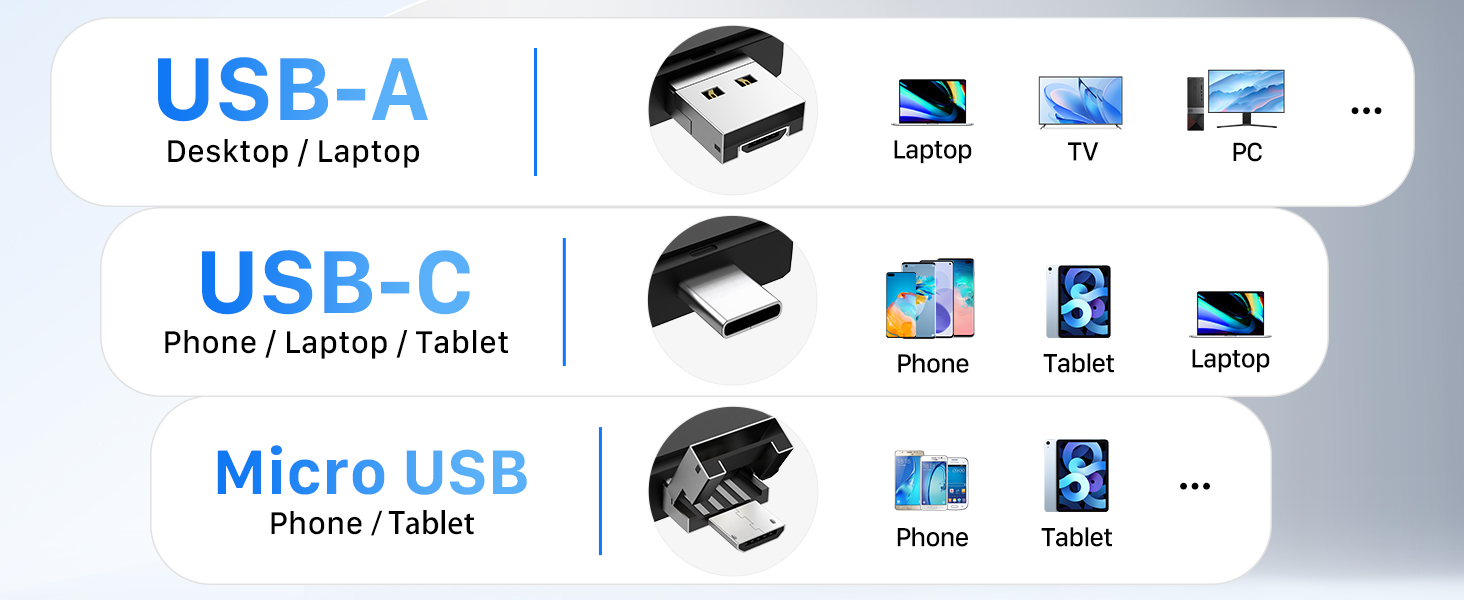
| Connectivity technology | Micro USB, USB Type A, USB Type C |
| Special feature | Multi-functionality, wide compatibility, OTG functionality |
| Colour | Plastic-micro Usb & Type C |
| Compatible devices | Camera, Tablet |
| Model name | 3-in-1 SD Card Reader |
| Product Dimensions | 7.6L x 2.7W x 0.9H Centimetres |
| Data transfer rate | 4.8E+2 Megabits Per Second |
| Hardware interface | USB, USB Type C, microSDXC |
About this item
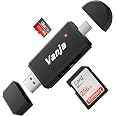
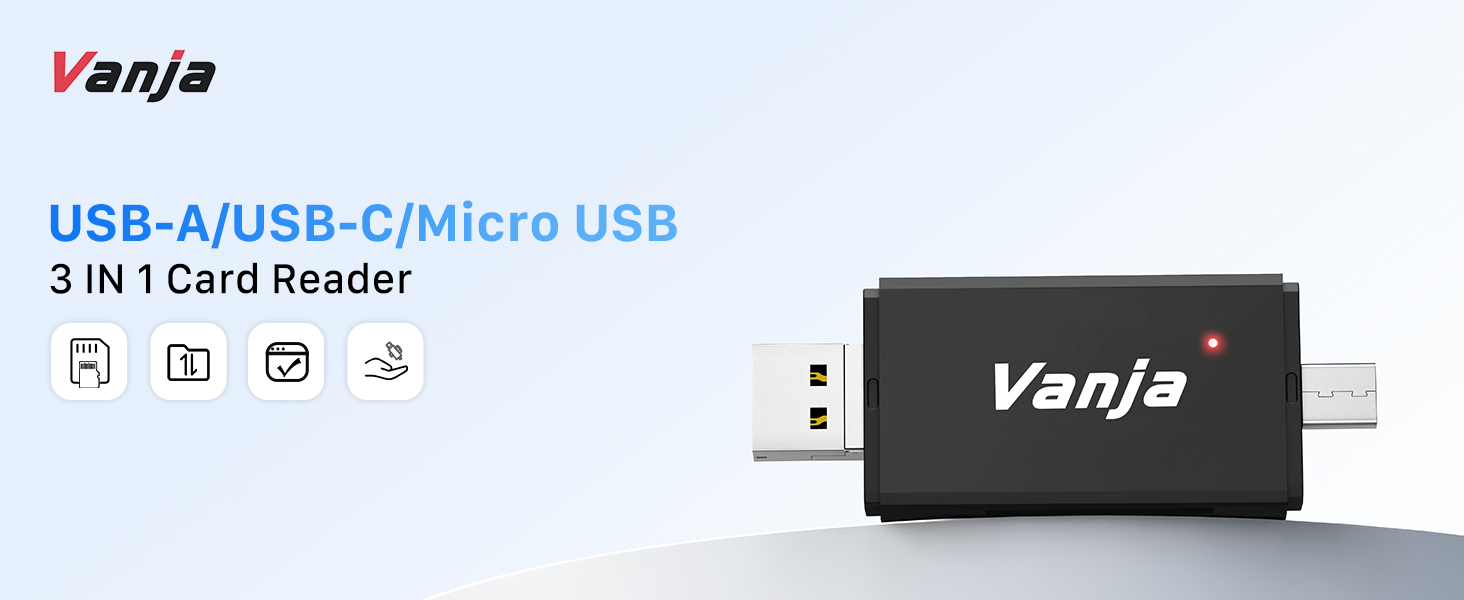
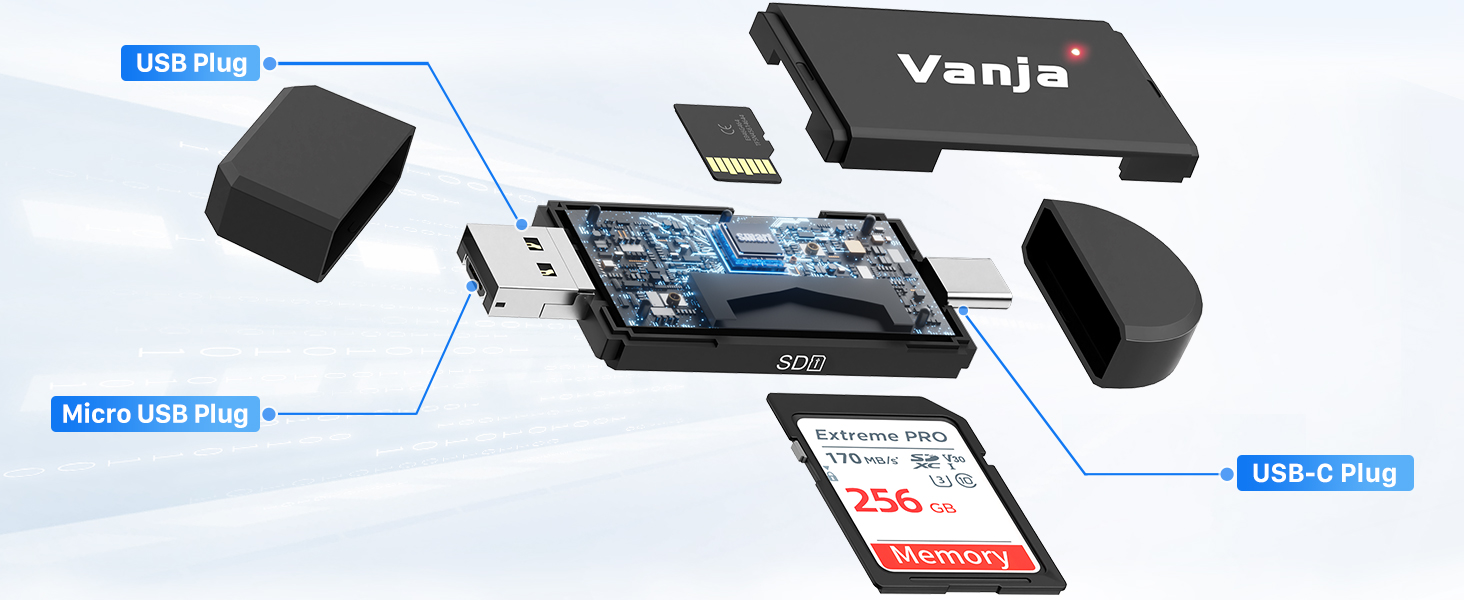
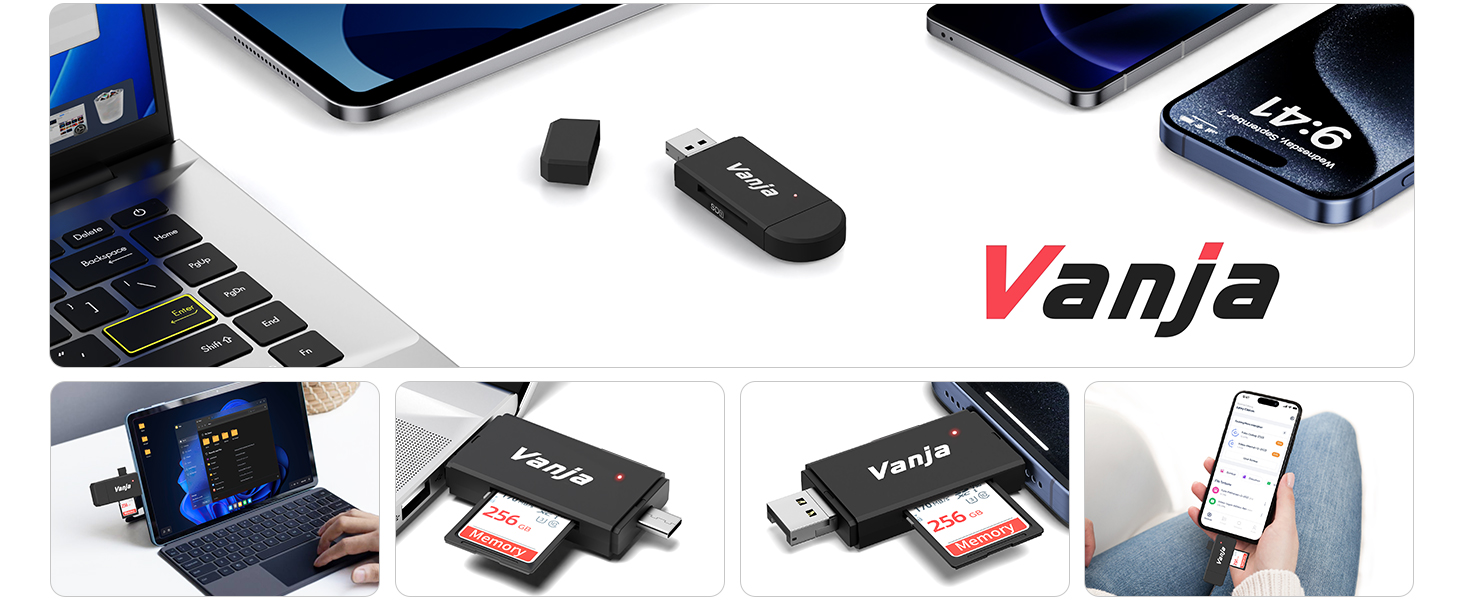
- [Multi-Function Design] - Vanja USB 2.0 Card Reader set the USB 2.0 plug, Micro USB plug and USB C plug in one, making this card reader compatible with all USB C device and tablets and Android smart phones that support OTG function.
- [More Easily Read Most Memory Cards] - USB 2.0 Card Reader for data transmission, manage all your data from/to/on devices and across multiple plat forms (Create, copy, edit, move, delete, rename, Open in, and so on). It compatible with SD-3C SDXC SDHC MMC RS-MMC Micro SD TF Micro SDXC Micro SDHC UHS-I memory cards.
- [On-The-Go Date] - Support on all OTG device. Playback videos/music directly from external memory without occupying space on Device. Share video or picture to your families or friends in anytime anywhere. (NOTICE: The Card Reader is NOT compatible with iPhone or iPad).
- [Universal Compatibility & Easy Use] - Powers via USB C/Micro USB/USB port, no additional power supply needed. Easy to take, use and install, no additional software installation required. (No drivers required for Windows 10, 8, 7, Vista and XP, MAC OS 10.4.6 and above, as well as Android).
- 【Package】SD/TF card reader with "Vanja" (SD/Micro SD card not included). Backed by Vanja's commitment to quality and durability, this card reader ensures reliable performance and seamless data transfer. All products sold by Vanja are covered by 12 months repair service.
Frequently bought together

Product information
Technical Details
| Brand | Vanja |
|---|---|
| Manufacturer | Vanja |
| Place of Business | Vanja |
| Model | VJ-CR-04 |
| Model Name | 3-in-1 SD Card Reader |
| Part Number | WDNMD |
| RAM | 4 GB |
| OS | Android |
| Hardware interface | USB, USB Type C, microSDXC |
| Compatible Devices | Camera, Tablet |
| Special features | Multi-functionality, wide compatibility, OTG functionality |
| Number of Items | 1 |
| Batteries included | No |
| Batteries Required | No |
| Data transfer rate | 4.8E+2 Megabits Per Second |
| Connector Type | Micro USB, USB Type A, USB Type C |
| Media Type | SDHC, SDXC |
| Does it contain liquid? | No |
| Includes rechargable battery | No |
| Manufacturer | Vanja |
| Item model number | VJ-CR-04 |
| Product Dimensions | 9.4 x 2.69 x 0.94 cm; 13.61 g |
| ASIN | B07P7FRYG3 |
Additional Information
| Date First Available | March 12 2019 |
|---|---|
| Customer Reviews |
4.4 out of 5 stars |
| 鶹 Rank |
|
| Is discontinued by manufacturer | No |
Feedback
Videos for similar products
Safety and product resources
Safety documents
From the brand
Vanja card reader
-
Our VANJA SD card readers have been carefully designed with cutting-edge technology to ensure lightning-fast transfer speeds and compatibility with a wide range of devices. Whether you're a photographer, videographer, content creator or simply someone who needs to transfer data between devices, VANJA's card readers are tailored to your needs.
-
-
Product Description
| Phones ✔ | iPhone 15/16 Series (Plus/Pro/Pro Max); Samsung Galaxy S24/S23/S22/S21/S20/S10/S9/S8/S7/S6(Ultra/+), A55/A54/A53/A52/A14/A9s, Note20/Note10/Note9/Note8/Note7; Google Pixel 9/8/6; Redmi 13/Note 13/13C/12/12S/12 Pro; Honor Magic 6/Magic V2/Magic V3; OnePlus 10/9. (und mehr Handy-Modelle) |
| Laptops ✔ | MacBook Pro/Air; iMac/Mac mini/Mac Pro; Dell XPS; Surface Book; ThinkPad. (und mehr Laptop-Modelle) |
| Tablets ✔ | iPad Pro (2022) / (2021) / (2020) / (2018), iPad Air (2022) / (2020), iPad mini (2021); Samsung Galaxy Tab S9 Ultra/S9 Plus/S8 Ultra; Huawei MatePad Pro 12.2/12X; Xiaomi Pad 5. (und mehr Tablet-Modelle) |
| Supported Memory Cards ✔ | SD / SDHC / SDXC / Micro SD / Micro SDHC / Micro SDXC / MMC / RS-MMC / UHS-I |
| Compatible Systems ✔ | Windows 11/10/8.1/8/7/XP/Vista, macOS, Linux, Chrome OS, Android, etc |
| incompatible Card ✘ | CFexpress / CompactFlash / XD Picture Card / XQD Card / M2 / SIM / Nano / Memory Stick Pro Duo |
| Incompatible Devices ✘ | iPhone / iPad (Lightning ports);鶹 Kindle;Devices that do not support the OTG function; |
| **Note - 1 | If you are not sure supports SD card reader, please feel free to let us know, we are very glad to help you to check. |
| **Note - 2 | The data transfer rates depend on the speed of the memory card itself and the USB ports on your computer. |
| **Note - 3 | 1. Make sure that your SD card is compatible with the card reader (e.g. SD, SDHC, SDXC, etc.). 2. Please check whether the SD card is locked before use, as data may not be able to be written if it is locked. (If you fail to transfer large files, please try to format the SD/MicroSD cards to the right format for your devices. Recommend using MS-DOS (FAT) for 32GB or smaller cards, and exFAT for 64GB cards) |
| **Troubleshooting | 1. if the SD card reader is not recognized, try changing the USB cable or connecting it to a different USB port. 2. If the SD card cannot be read, check that it is inserted correctly or use a different card reader. |
| Q&A-1 | Can't I find the transfer between Android phone/tablet and SD card? |
| 1 | Make sure that the OTG function of the device is activated and search for the SD card in the file manager. Open OTG detailed steps can be found in the user manual of your device. |
| Q&A-2 | How do I use an SD card reader under macOS? |
| 2 | Open the Finder, go to “Finder Preferences”, on the “General” tab, make sure that “External disks” is checked. Then on the “Sidebar” tab, make sure that “External disks” is also checked, which will allow your Mac to display the SD card on the desktop and in the Finder sidebar. |
Learn More About Vanja Memory Card Readers
3-in-1 SD Card Reader
Add to Cart
| 2-in-1 SD Card Reader | 2-in-1 SD Card Reader
Add to Cart
| 3-in-1 SD Card Reader
Add to Cart
| 2-in-1 SD Card Reader
Add to Cart
| USB 3.0 SD Card Reader
Add to Cart
| USB C SD Card Reader
Add to Cart
| |
|---|---|---|---|---|---|---|---|
|
Customer Reviews
|
4.4 out of 5 stars 3,576
|
4.4 out of 5 stars 86,531
|
4.4 out of 5 stars 86,531
|
4.5 out of 5 stars 900
|
4.4 out of 5 stars 337
|
4.6 out of 5 stars 191
|
4.7 out of 5 stars 116
|
|
USB Type
| USB 2.0 / Micro USB / USB C | USB 2.0 / Micro USB | USB 3.0 / USB C | USB 2.0 / Micro USB / USB C | USB 3.0 / USB C | USB 3.0 | USB C |
|
Card Slot
| SD / Micro SD | SD / Micro SD | SD / Micro SD | SD / Micro SD | SD / Micro SD | SD / Micro SD | SD / Micro SD |
|
Transfer Rate
| 480 Mbps | 480 Mbps | 5 Gbps | 480 Mbps | 5 Gbps | 5 Gbps | 5 Gbps |
|
Material
| ABS Plastic | ABS Plastic | ABS Plastic | Aluminum | Aluminum | Aluminum | Aluminum |
|
Plug & Play
| ✔ | ✔ | ✔ | ✔ | ✔ | ✔ | ✔ |
|
Dual Card Read/Write
| ✘ | ✘ | ✔ | ✘ | ✔ | ✔ | ✔ |
|
OTG
| ✔ | ✔ | ✔ | ✔ | ✔ | ✘ | ✔ |
|
Cable Length
| / | / | / | / | / | 12 cm | 12 cm |
|
Product Model
| 320 | 310 | 330 | 3602 | 3603 | 430A | 430C |