To see product details, add this item to your cart. You can always remove it later.
Ships from
Ships from
Returns
Returnable until 31 Jan 2026
For the 2025 holiday season, eligible items purchased between 1 November and 31 December 2025 can be returned until 31 January 2026.
Payment
Secure transaction
Your transaction is secure
We work hard to protect your security and privacy. Our payment security system encrypts your information during transmission. We don’t share your credit card details with third-party sellers, and we don’t sell your information to others. Learn more
Added to

Sorry, there was a problem.

There was an error retrieving your wish lists. Please try again.

Sorry, there was a problem.

List unavailable.
  • 4 VIDEOS
Xbox One Wireless Gaming Receiver for Windows PCShop4funCA
  • Mcbazel Wireless Gaming Adapter for Xbox One Windows 7/8/8.1/10/11 PC Gaming Receiver for Xbox One, Xbox One S/X, Xbox Elite 1/2 Controller
  • To view this video, download

Mcbazel Wireless Gaming Adapter for Xbox One Windows 7/8/8.1/10/11 PC Gaming Receiver for Xbox One, Xbox One S/X, Xbox Elite 1/2 Controller

3.9 out of 5 stars (859)

To see product details, add this item to your cart. You can always remove it later.

Purchase options and add-ons

About this item

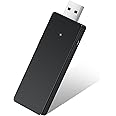
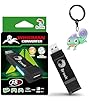
  • Xbox One Wireless gaming adapter for Xbox One Controller. Can play games on Windows PCs/Laptops with your Xbox One/Xbox One S/Xbox One X/Xbox Elite 1/2 controller now.
  • Supports up to 4 wireless controllers on Win 10 that you could enjoy gaming time on one PC/Laptop device at the same time with your friends.
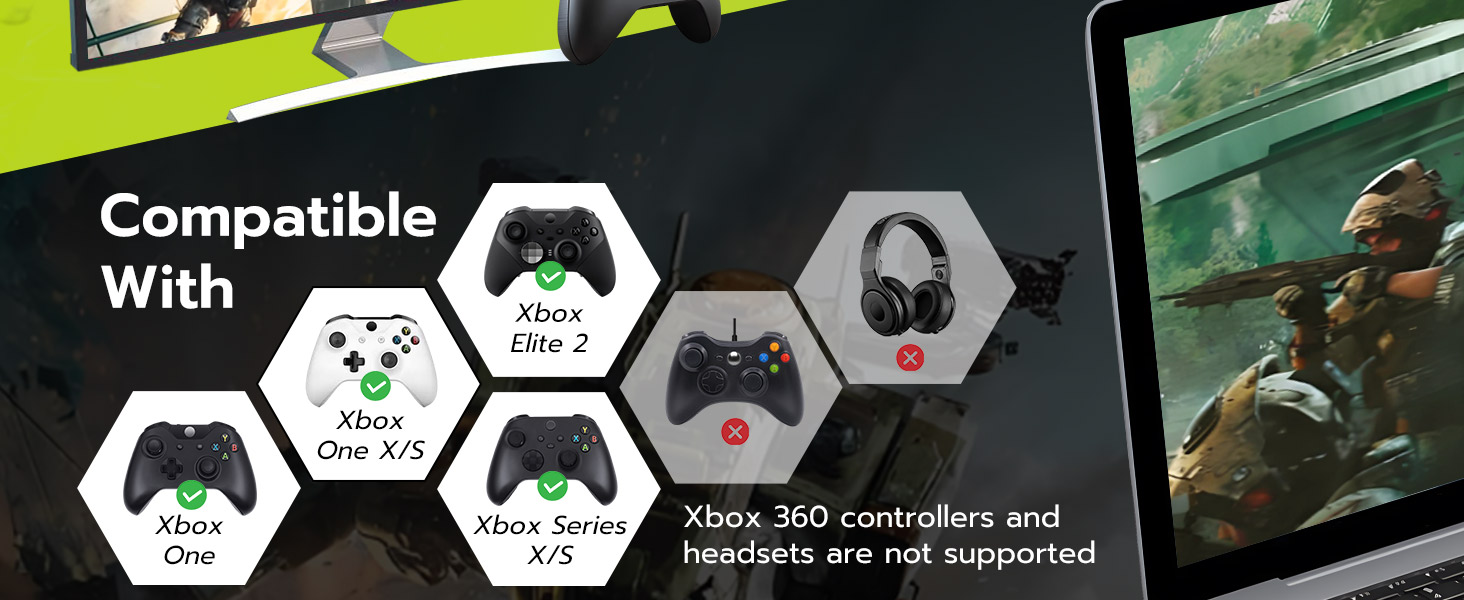
  • Compatible with Windows 7/8/8.1/10/11 with USB 2.0/3.0. Not support Xbox 360. Does not compatible with headset.Only compatible with wired Microsoft/Xbox headsets, not other brands or Third Party made headsets.
  • Plug and play.All you need to do is plug the Xbox One adapter to PC/Laptop USB port and press the receive button.Then press the connect button on the Xbox One controller.LED on the controller is always light up means connection succeeded.
  • Made by Third Party, NOT official item.
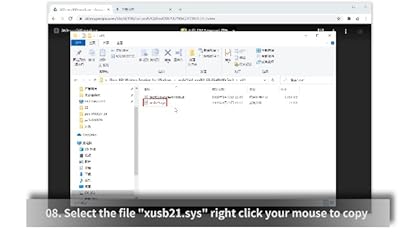
  • Support up to 8 wireless controllers at the same time. This device works as plug and play on most computers without the need for additional software or drivers. However, in rare cases where certain systems may not automatically recognize the device, a manual driver installation might be required.
  • Pairing Procedure: Insert the adapter into the computer’s USB port. Upon hearing the system prompt tone, press and hold the adapter’s top receiver button multiple times and verify that the indicator lights up. Power on the Xbox controller, then enter pairing mode by holding the pairing button until the controller’s indicator flashes rapidly. Simultaneously, press and hold the adapter’s receiver button until it starts flashing. When both the gamepad and the adapter indicator lights are always on, the pairing is successful.
  • Note: Only compatible with wired Microsoft/Xbox headsets, not other brands or Third Party made headsets.

Frequently bought together

This item: Mcbazel Wireless Gaming Adapter for Xbox One Windows 7/8/8.1/10/11 PC Gaming Receiver for Xbox One, Xbox One S/X, Xbox Elite 1/2 Controller
$22.99
Get it by Saturday, Dec 13
In Stock
Sold by Shop4funCA and ships from 鶹 Fulfillment.
+
$29.00
In Stock
Ships from and sold by 鶹.ca.
Xbox One, Xbox, Xbox Series X
+
$84.99
Get it by Saturday, Dec 13
In Stock
Ships from and sold by 鶹.ca.
Total price:$00
To see our price, add these items to your cart.
Details
Added to Cart
These items are shipped from and sold by different sellers.
Choose items to buy together.

Product information

Technical Details

Brand ‎Mcbazel
Manufacturer ‎Third Party
Place of Business ‎Lai Chi Kok, KLN NA,HK
Model ‎thi-pc-010085
Part Number ‎pc-010085
Compatible Devices ‎PC
Number of Items ‎1
Batteries included ‎No
Batteries Required ‎No
Number of Ports ‎1
Does it contain liquid? ‎No
Manufacturer ‎Third Party
Language ‎English
Item model number ‎thi-pc-010085
Product Dimensions ‎12 x 6.3 x 2.2 cm; 30 g
ASIN ‎B08Y1FGT6D

Additional Information

Date First Available March 6 2021
Customer Reviews
3.9 out of 5 stars (859)

3.9 out of 5 stars
鶹 Rank

Feedback

Mcbazel Wireless Gaming Adapter for Xbox One Windows 7/8/8.1/10/11 PC Gaming Receiver for Xbox One, Xbox One S/X, Xbox Elite 1/2 Controller


Found a lower price? Let us know. Although we can't match every price reported, we'll use your feedback to ensure that our prices remain competitive.

Where did you see a lower price?

Price Availability
/
/
/
/
Please sign in to provide feedback.
Brief content visible, double tap to read full content.
Full content visible, double tap to read brief content.

Videos for similar products


From the brand


Product Description
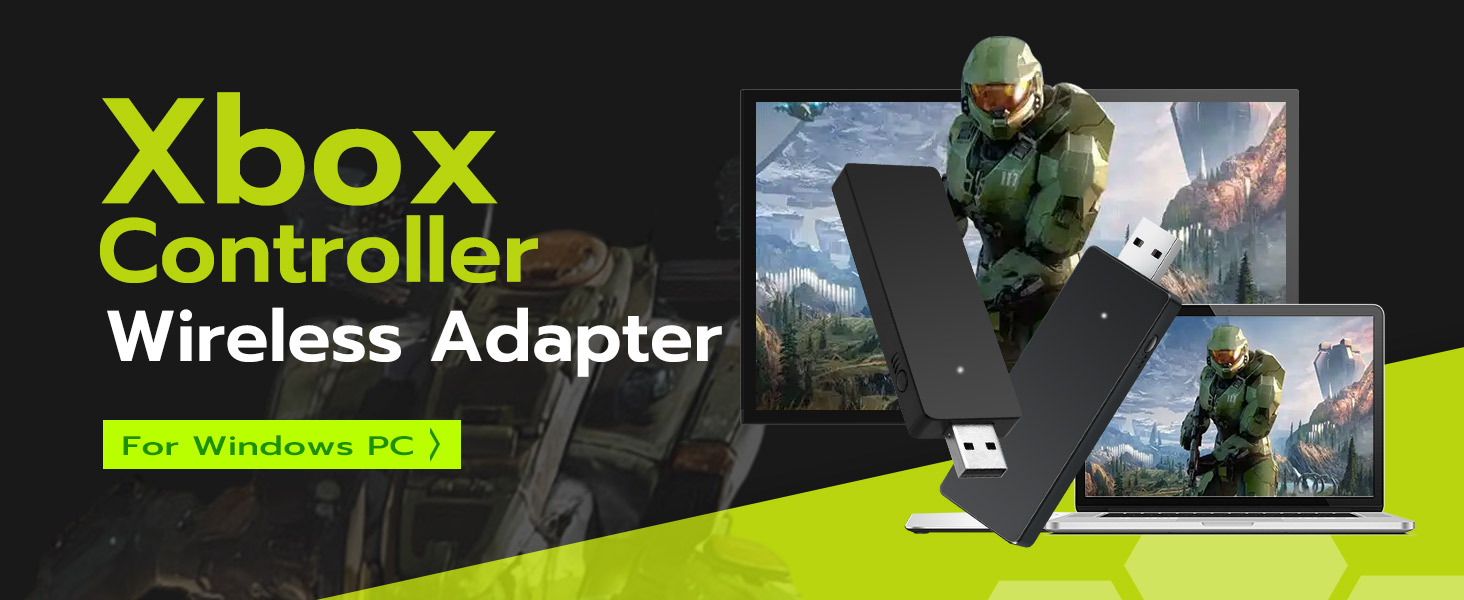
Xbox Controller Wireless Adapter for  Windows PC
Xbox Wireless Adapter Compatible System
Compatible With
Plug and play
Support up to 4 Wireless Controllers at the same time under Win 10
Xbox Controller Adapter

Brands in this category on 鶹

Product Summary: Mcbazel Wireless Gaming Adapter for Xbox One Windows 7/8/8.1/10/11 PC Gaming Receiver for Xbox One, Xbox One S/X, Xbox Elite 1/2 Controller

From Mcbazel

3.9 out of 5 stars, 859 ratings

Customer reviews

100+ bought in past month

Price

No featured offers available

Other sellers

Other sellers

About this Item

  • Xbox One Wireless gaming adapter for Xbox One Controller. Can play games on Windows PCs/Laptops with your Xbox One/Xbox One S/Xbox One X/Xbox Elite 1/2 controller now.
  • Supports up to 4 wireless controllers on Win 10 that you could enjoy gaming time on one PC/Laptop device at the same time with your friends.
  • Compatible with Windows 7/8/8.1/10/11 with USB 2.0/3.0. Not support Xbox 360. Does not compatible with headset.Only compatible with wired Microsoft/Xbox headsets, not other brands or Third Party made headsets.
  • Plug and play.All you need to do is plug the Xbox One adapter to PC/Laptop USB port and press the receive button.Then press the connect button on the Xbox One controller.LED on the controller is always light up means connection succeeded.
  • Made by Third Party, NOT official item.
  • Support up to 8 wireless controllers at the same time. This device works as plug and play on most computers without the need for additional software or drivers. However, in rare cases where certain systems may not automatically recognize the device, a manual driver installation might be required.
  • Pairing Procedure: Insert the adapter into the computer’s USB port. Upon hearing the system prompt tone, press and hold the adapter’s top receiver button multiple times and verify that the indicator lights up. Power on the Xbox controller, then enter pairing mode by holding the pairing button until the controller’s indicator flashes rapidly. Simultaneously, press and hold the adapter’s receiver button until it starts flashing. When both the gamepad and the adapter indicator lights are always on, the pairing is successful.
  • Note: Only compatible with wired Microsoft/Xbox headsets, not other brands or Third Party made headsets.

Product description

Description: - Please scan the QR code of the packaging for the installation guide - Xbox One Wireless gaming adapter for Xbox One Controller. Can play games on Windows PCs/Laptops with your Xbox One/Xbox One S/Xbox One X/Xbox Elite 1/2 controller now. - Supports up to 4 wireless controllers on Win 10 that you could enjoy gaming time on one PC/Laptop device at the same time with your friends. - Compatible with Windows 7/8/8.1/10/11 with USB 2.0/3.0.Not support Xbox 360. - Plug and play.All you need to do is plug the Xbox One adapter to PC/Laptop USB port and press the receive button.Then press the connect button on the Xbox One controller.LED on the controller is always light up means connection succeeded. - Made by Third Party, NOT official item. NOTE: May need to download a driver for the first time use. Package Includes: 1 x Xbox One Wireless Gaming Receiver

Feedback

Did you find this product summary feature useful?

Thank you for your feedback
Thank you for your feedback. You selected “Yes, it is useful”
Thank you for your feedback. You selected “No, it is not useful”
Product summary presents key information. Close to see all product details.