





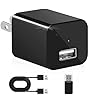


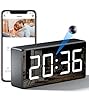


| Included components | Case |
|---|---|
| Wireless communication technology | Wi-Fi |
| Manufacturer | Shenzhen Goodflys Technology Co.,Ltd |
| Parcel Dimensions | 17 x 9 x 7.1 cm; 290.3 g |
| Item model number | GF-Q200 |
| Special Features | HD Resolution |
| Batteries Required? | No |
| Item Weight | 290 g |
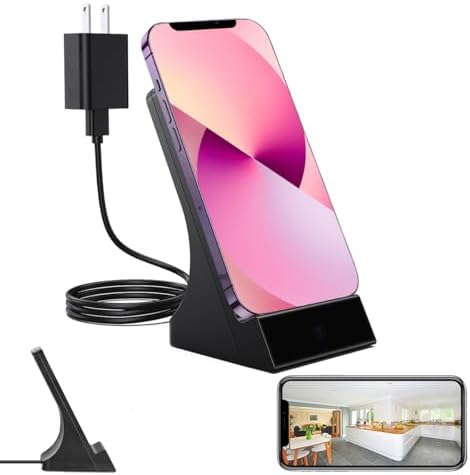
phone charger cameraLIZVIE
Image Unavailable
Image not available for
Colour:
Colour:
-

-
-
- To view this video, download
- VIDEO
Videos for similar products
Product information
Additional Information
| ASIN | B0F2SZX2DW |
|---|---|
| Customer Reviews |
1.0 out of 5 stars |
| Â鶹Çø Rank |
|
| Date First Available | March 28 2025 |
Feedback

Product Description


How to Use (Quick Setup Guide)
Step 1: Remove the Protective Film
Before use, gently peel off the protective film covering the lens to ensure a clear image.
Step 2: Power On the Device
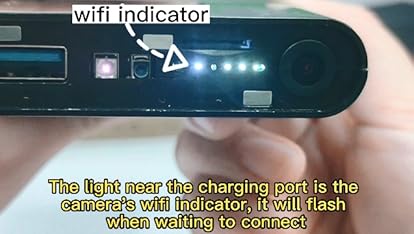
Plug the device into a outlet and wait 30–60 seconds for it to boot up. The device will emit a wireless network signal named “BLink-XXXX.�
Step 3: Connect via Phone’s WiFi Settings
On your phone, open WiFi settings, find and connect to “BLink-XXXX�. Default password: 0123456789. “No Internet� message is normal — just ensure the connection is successful.
Step 4: Open the App
Launch the Lizvie Pro app. The device will appear automatically and take you to the viewing screen.
Step 5: Connect to Home WiFi
After about 10 seconds, a prompt will appear. Select your 2.4GHz home WiFi, enter the password, and complete the setup.
Important: Pairing with your home router is required for remote viewing functionality.(If no prompt appears, go to Settings > Network Information in the app.)
Step 6: Ready to Use
You can now access the device remotely, receive motion alerts, and manage settings via your phone.