Fresh finds, friendly prices
To see product details, add this item to your cart. You can always remove it later.
Ships from
Ships from
Returns
Eligible for Return, Refund or Replacement within 30 days of receipt
This item can be returned in its original condition for a full refund or replacement within 30 days of receipt.
Payment
Secure transaction
Your transaction is secure
We work hard to protect your security and privacy. Our payment security system encrypts your information during transmission. We don’t share your credit card details with third-party sellers, and we don’t sell your information to others. Learn more
Added to

Sorry, there was a problem.

There was an error retrieving your wish lists. Please try again.

Sorry, there was a problem.

List unavailable.
  • VIDEO
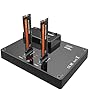
ORICO M2P2 Dual Bay Clone SSD EnclosureORICO SmartChip Direct Store
  • ORICO Dual-Bay USB C to NVME SSD Enclosure Aluminum M.2 Docking Station Offline Clone Duplicator for PCIe M-Key SSDs max to 8TB with 5V/4A Power Adapter and Tool Free
  • To view this video, download

ORICO Dual-Bay USB C to NVME SSD Enclosure Aluminum M.2 Docking Station Offline Clone Duplicator for PCIe M-Key SSDs max to 8TB with 5V/4A Power Adapter and Tool Free

3.5 out of 5 stars (42)

To see product details, add this item to your cart. You can always remove it later.

Purchase options and add-ons

About this item

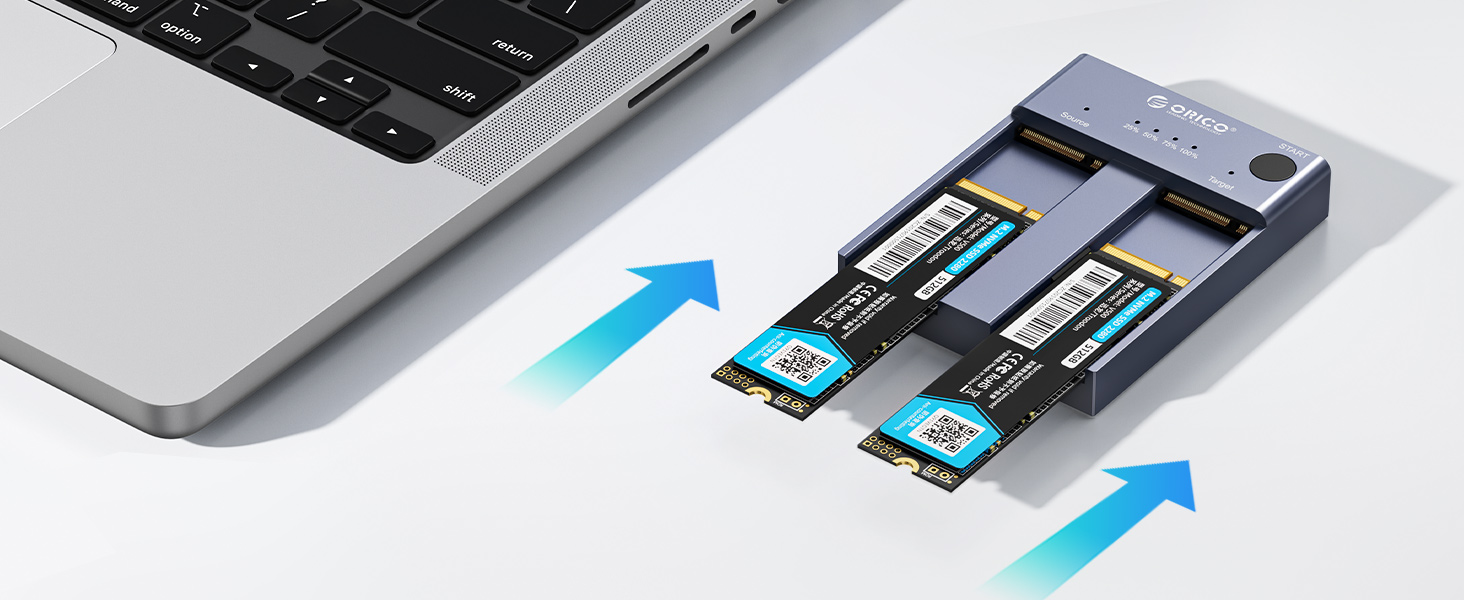
  • PORTABLE EXTERNAL STORAGE: this M.2 hard drive enclosure is specially designed for M Key NVMe PCIe SSD(22110/2280/ 2260/ 2242), Supports 2 M.2 NVMe hard disk reads and writes at the same time. Compatible with Windows/Mac/Linux, can be used to offline clone or to expand storage capacity by connecting PC , Laptop computers, smart TVs, PS4, XBOX and other devices.
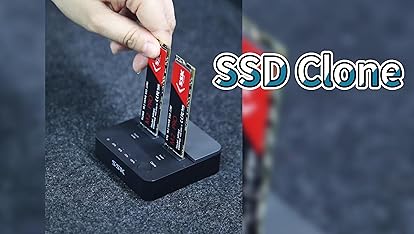
  • ONE-KEY OFFLINE CLONE: This dual-slot hard drive enclosure can not only be used as an external NVME SSD to expand your storage capacity, but also can be used for offline backup. No need to connect to a PC, just plug in and press the start button then you can back up your important data. LED indicator can monitor the SSDs' clone progress at any time. Note: please back up the data on the target disk before cloning to avoid losing important data.
  • 10GBP/S HIGH-SPEED: ORICO USB 3.1 Gen2 hard disk docking station is equipped with C to C cable and C to A cable, giving you more choices. The fastest transmission speed can reach about 1000MB/S with C to C cable and about 500MB/S with C to A cable. At the same time, it takes the ASM2362+ASM2806A main control chip and supports UASP acceleration protocol which can make your NVME SSDs run more quickly and stably.
  • EASY TO USE: ORICO Tool-Free SSD docking stations are very easy to use, no need any tools. They all support plug & play and hot swap, no drivers required. Except the SSDs, you do not need to prepare anything else, because the package contains all the accessories you need: two 0.5m data cables (A to C and C to C) and a 5V/4A power adapter.
  • 12-MONTH-WOORY-FREE WARRANTY: ORICO M.2 external drive docking station will automatically go to sleep after 10 minutes of inactivity; the hard disk is not inclued in the package; ORICO offers 12-month warranty and lifetime email technical support. If you have any problems, please contact us, we will give you a satisfactory solution within 24 hours.
Brief content visible, double tap to read full content.
Full content visible, double tap to read brief content.

Videos for similar products

Product details

  • Product Dimensions ‏ : ‎ 8.2 x 6.2 x 1.4 cm; 390 g
  • Manufacturer ‏ : ‎ SHENZHEN ORICO TECHNOLOGIES CO.,LTD
  • ASIN ‏ : ‎ B08MJ93GH2
  • Item model number ‏ : ‎ M2P2
  • Country/Region of origin ‏ : ‎ China
  • Customer Reviews:
    3.5 out of 5 stars (42)

Product information

Technical Details

Manufacturer ‎SHENZHEN ORICO TECHNOLOGIES CO.,LTD
Place of Business ‎SHENZHEN ORICO TECHNOLOGIES CO.,LTD
Model ‎M2P2
Part Number ‎ORICO M2P2-C3-C-US-GY-BP-CA
Number of Items ‎1
Batteries Required ‎No
Number of Ports ‎1
Total USB Ports ‎1
Material Type ‎Aluminum
Does it contain liquid? ‎No
Item model number ‎M2P2
Product Dimensions ‎8.2 x 6.2 x 1.4 cm; 390 g
ASIN ‎B08MJ93GH2

Additional Information

Date First Available Nov. 3 2020
Customer Reviews
3.5 out of 5 stars (42)

3.5 out of 5 stars
鶹 Rank

Feedback

ORICO Dual-Bay USB C to NVME SSD Enclosure Aluminum M.2 Docking Station Offline Clone Duplicator for PCIe M-Key SSDs max to 8TB with 5V/4A Power Adapter and Tool Free


Found a lower price? Let us know. Although we can't match every price reported, we'll use your feedback to ensure that our prices remain competitive.

Where did you see a lower price?

Price Availability
/
/
/
/
Please sign in to provide feedback.

Product Description

ORICO M.2 NVMe SSD Duplicator Cloner Dual Bay Docking Station

ORICO M.2 NVMe SSD Duplicator Cloner Dual Bay Docking Station

NOTE 1

  1. Do not use usb cable to connect to the computer during clone.
  2. If there is a bad sector in the SSD, copying may stop. Scan the SSD once before copying to make sure there are no bad sectors.
  3. Please back up the data on the target disk before copying to avoid loss of important data.
  4. Make sure that the two SSD disks can be recognized on the computer when plug in our nvme enclosure. If not, it could not clone.

ORICO M.2 NVMe SSD Duplicator Cloner Dual Bay Docking Station

NOTE 2

  1. It's normal that the aluminum case heats up, for the high-speed NVMe M.2 drives generate much heat while working. Do not touch the SSD during operation. Please refer to the changing diagram of temperature above.
  2. For the brand new SSD drive, it may not find the drive, because the brand new SSD drive should be formatted before first time using. And also need to make the SSD drive partition.
  3. To get the 10Gbps data transmission rate, the USB 3.2 interface on your PC should be USB 3.2 Gen 2. Some PCs only come with USB 3.2 Gen1 whose max speed is 5Gbps.
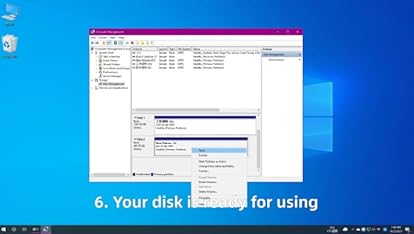
  4. Cloning is completed, target disk will enter the offline mode, in offline mode, the disk cannot be recognized when the PC is connected with the USB cable. Therefore, you should select online mode manually: right-click (computer/my computer/this computer) to select management, then select disk management in the popup dialog box, and you will see a disk in the offline state, then right-click it to choose the online mode.

Main Features:

  • 1. ORICO external NVMe ssd docking station adopts USB 3.2 Gen 2 standard(USB C port), which supports an amazing data transmission rate up to 10Gbps.
  • 2. Support one-key offline clone can directly transfer the data from Disk 1 to Disk 2 without going through the computer.
  • 3. ORICO M.2 ssd enclosure constructed with aluminum alloy which is better for absorbed heat dissipation.
  • 4. Support Plug & Play and Hot-Swapping. Easy installation & no driver required.
  • 5. Operating system compatibility: Windows, macOS, and Linux.


From the brand