



| Brand | BrosTrend |
|---|---|
| Manufacturer | BrosTrend Technology LLC |
| Place of Business | support@BrosTrend.com |
| Model | EAP5 WiFi Bridge Kit |
| Model Name | 5 km Outdoor Wireless Bridge Kit |
| Part Number | 5 km Outdoor Wireless Bridge Kit |
| Ram Memory Installed Size | 64 MB |
| OS | Linux |
| Compatible Devices | Compatible with a device with an Ethernet port, such as your WiFi router, camera, etc. |
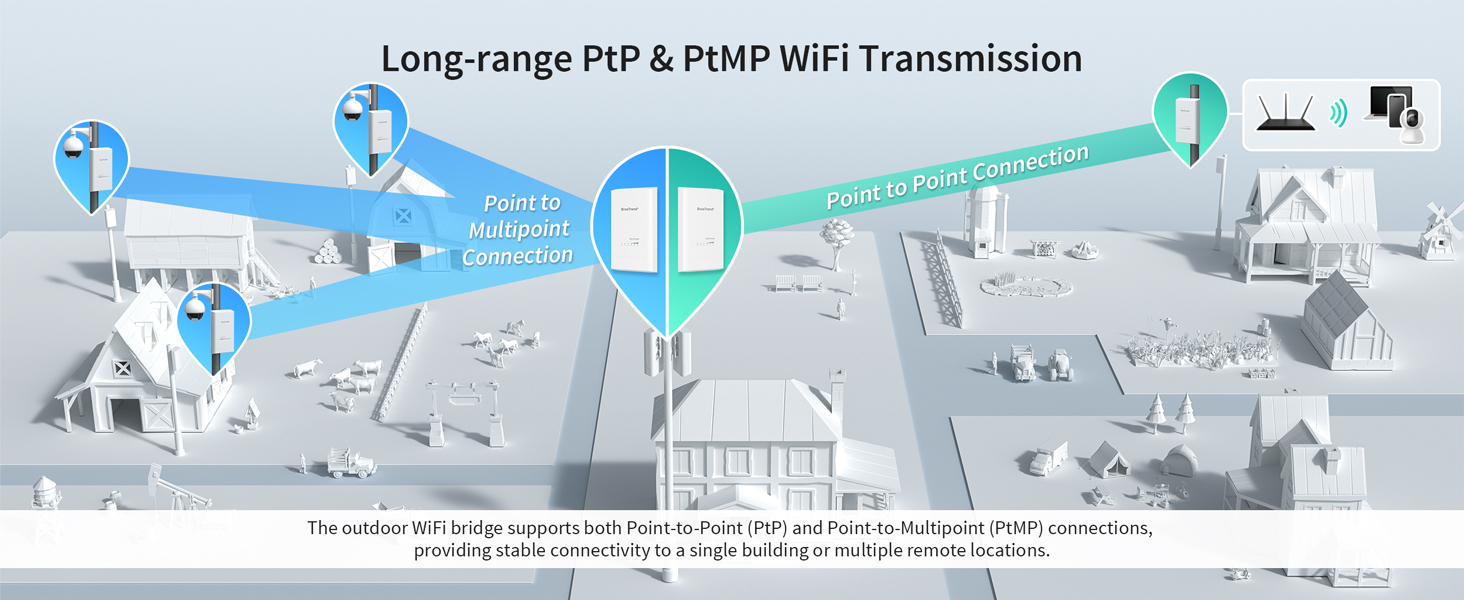
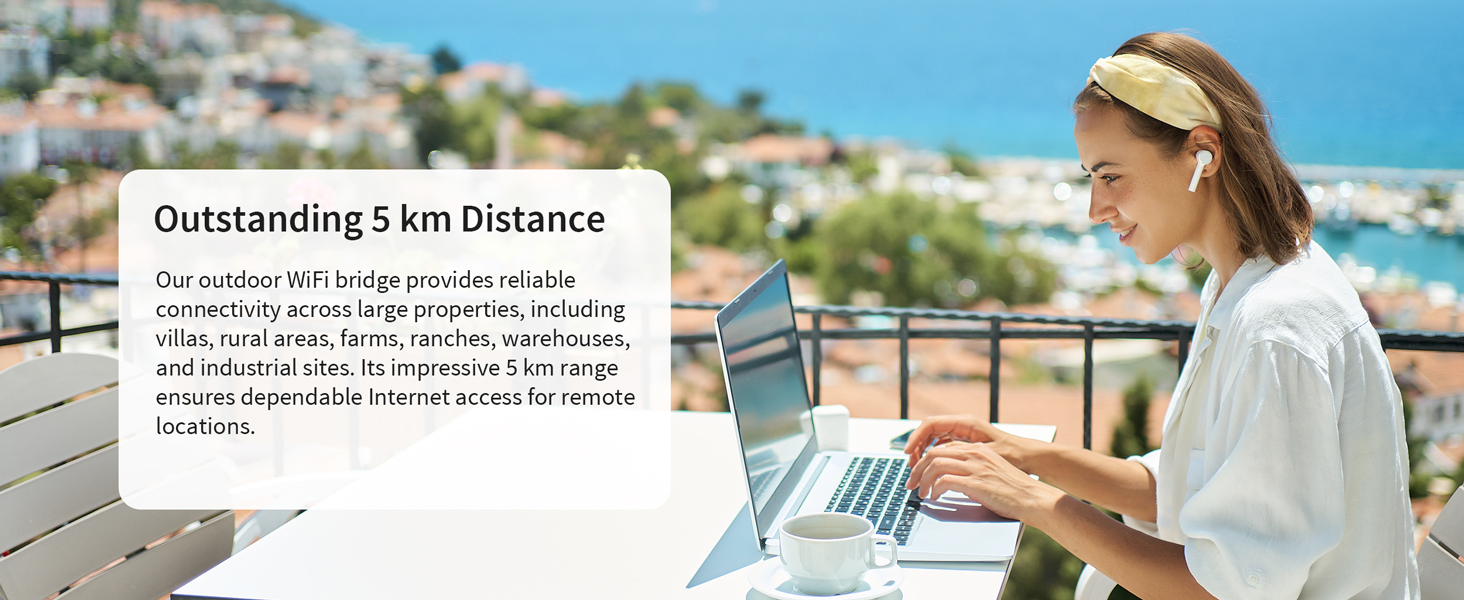
| Special features | Extends the network between buildings, up to 5 km in line-of-sight; Supports Point-to-Point (PtP) and Point-to-Multipoint (PtMP); Delivers 867Mbps wireless transmission on 5GHz WiFi band; Dual Gigabit Ethernet ports; Support PoE power supply; Plug-and-play, comes pre-paired out of the box; Built for outdoor with IP65 waterproof, dustproof and 6KV lightning protection. |
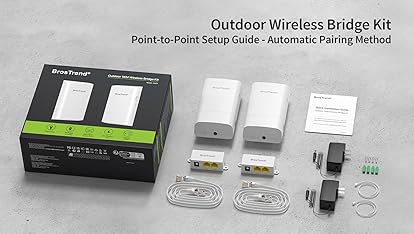
| Mounting Hardware | 2 x Outdoor CPEs, 2 x Power Adapters, 2 x Passive PoE Injectors, 2 x PoE Ethernet Cables, 4 x Screws, 4 x Expansion Bolts, 2 x Plastic Straps,1 x Quick Installation Guide |
| Number of Items | 2 |
| Voltage | 12 Volts |
| Batteries included | No |
| Batteries Required | No |
| Data transfer rate | 867 Megabits Per Second |
| Wireless Standard | 802.11a, 802.11ac, 802.11n |
| Frequency | 5 GHz |
| Number of Ports | 2 |
| Connector Type | Ethernet, Wi-Fi |
| Manufacturer | BrosTrend Technology LLC |
| Item model number | EAP5 WiFi Bridge Kit |
| Product Dimensions | 19.3 x 11 x 6 cm; 266.49 g |
| ASIN | B0DPJZ9FS6 |

- 2 VIDEOS
Introducing BrosTrend 5 km Outdoor WiFi BridgeBrosTrend
Image Unavailable
Image not available for
Colour:
Colour:
-

-
-
- To view this video, download
Additional details

Verified by Transparency
The brand applies a unique Transparency code to each item. We verify this code before shipping. You can verify this code using the Â鶹Çø Shopping app to confirm that it comes from the brand and view additional product details.
Verified by Transparency
Each item has a unique code that we verify before shipping.
Frequently bought together
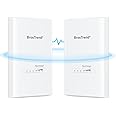
This item: BrosTrend 5KM WiFi Bridge w/ 2X Gigabit Ports, Outdoor 5GHz 867Mbps Wireless Bridge Long Range, Plug & Play Point to Point PtP/PtMP, Standard 802.3af PoE & w/Passive PoE Injector, for Buildings, Farm
$169.99
Get it by Wednesday, Dec 17
In Stock
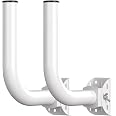
+
$33.14
Get it by Friday, Jan 9
In Stock
Total price:Ìý$00
To see our price, add these items to your cart.
Choose items to buy together.
Product information
Additional Information
| Date First Available | Feb. 9 2025 |
|---|---|
| Customer Reviews |
4.3 out of 5 stars |
| Â鶹Çø Rank |
|
Feedback

Videos for similar products









From the brand

-

5 km Outdoor WiFi Bridge
-
1 km Outdoor WiFi Bridge
-
Founded in 2011, BrosTrend dedicates itself to premium network products that deliver fast and reliable connections.
With more than 10 years of experience in the networking industry, BrosTrend never stops innovating and is ready to bring a smoother online experience for everyone.
-
Top-selling Networking Product
-


Product Description




Easy Setup
-
Step 1: Power the CPEs for Auto Pairing
Place both CPE units in the same room and power them using the included PoE injectors, 802.3af PoE Ethernet switch, or DC power adapters. The CPEs come pre-paired out of the box, with one as AP (Transmitter) and the other as Station (Receiver) in the factory default configuration. You can identify each unit with the labels on their backs.

-
Step 2: Confirm Successful Auto Pairing
When the Signal Strength indicators (LED1/LED2/LED3) on the AP (Transmitter) stay solid and those on the Station (Receiver) blink slowly, the automatic pairing is successful. To confirm, connect the main router to the AP (Transmitter) with an Ethernet cable, then connect the Station (Receiver) to a laptop using another Ethernet cable. If the laptop has Internet access, the pairing is complete.

-
Step 3: Install the CPEs
Mount the CPEs and ensure a clear line of sight between them. For optimal signal transmission, they should be fully face-to-face. In certain cases, ensure the Station is aligned vertically and horizontally with the front of the AP, both within a 30° angle range.


