| Brand | AIDOUBARA |
|---|---|
| Manufacturer | AIDOUBARA |
| OS | Android, Linux, Mac OS, Unix, Windows |
| Hardware interface | USB Type C |
| Compatible Devices | Camera, Laptop, Smartphone, Tablet |
| Special features | Built-In USB C Cord, Compact, Plug & Play |
| Number of Items | 1 |
| Batteries Required | No |
| Data transfer rate | 480 Megabits Per Second |
| Connector Type | USB Type C |
| Media Type | SD Card, USB Devices, microSD |
| Manufacturer | AIDOUBARA |
| Product Dimensions | 14.5 x 5.15 x 1.18 cm; 10 g |
| ASIN | B0FLVTKRMX |

-
-
-
-
-
-
-
2 VIDEOS -
Image Unavailable
Colour:
-
-
-
- To view this video, download
USB C SD Card Reader for iPhone 17/16/15, AIDOUBARA Memory Card Reader with SD Micro SD and USB Port, Digital Camera Adapter Compatible with iPad, Mac, MacBook, Kodak Pixpro and More Type C Devices
Purchase options and add-ons
| Brand | AIDOUBARA |
| Media type | SD Card, USB Devices, microSD |
| Connectivity technology | USB Type C |
| Special feature | Built-In USB C Cord, Compact, Plug & Play |
| Colour | White |
| Compatible devices | Camera, Laptop, Smartphone, Tablet |
| Product Dimensions | 14.5L x 5.2W x 1.2H Centimetres |
| Data transfer rate | 480 Megabits Per Second |
| Hardware interface | USB Type C |
| UPC | 721722187069 |
About this item
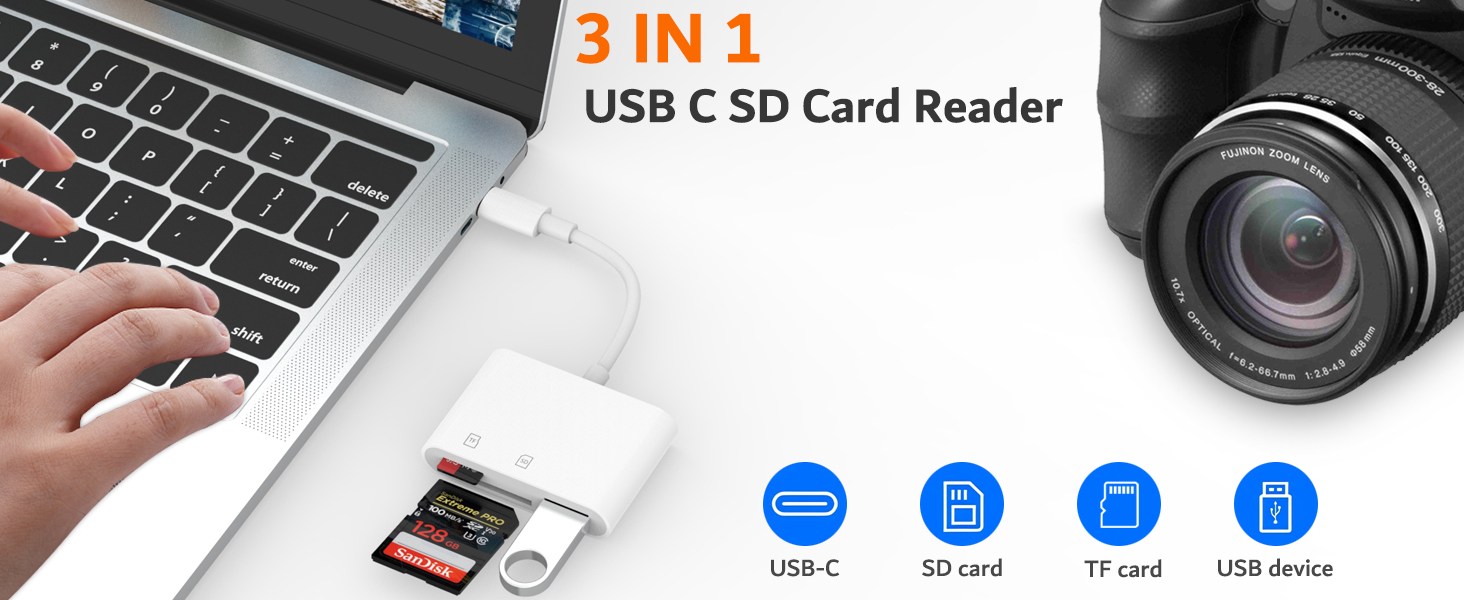
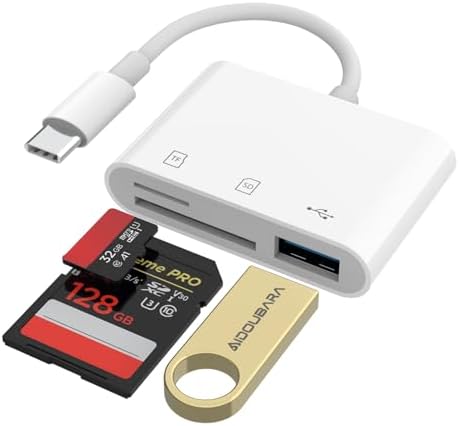
- 【3-in-1 USB C SD Card Reader】This versatile SD card reader supports SD card, Micro SD card (TF), and USB-A devices, making it the perfect content creator essentials for photographers and videographers. With over-current and short-circuit protection, safety is ensured for your important files.
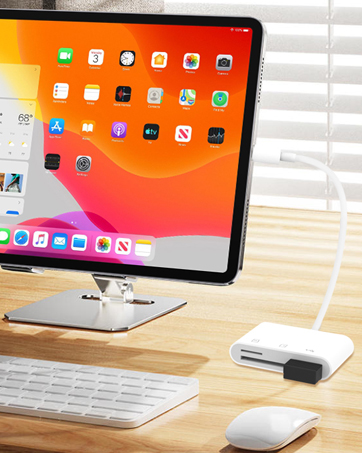
- 【Dual-Slot Memory Card Reader】The digital camera adapter adopts dual card slot design,compatible with SD/SDHC/SDXC/RS-MMC/MicroSD/MicroSDXC/MicroSDHC memory cards. It is a essential photography accessories for Kodak PixPro FZ55/ FZ45 Canon Nikon Sony Digital Camera. No apps, No drivers, plug and play, you only need to use the iOS built-in "Files" app to import and export photos and videos.
- 【USB-A Port for More Connectivity】The SD card adapter is also designed with a USB A female port, which can flexible connect USB peripheral device directly such as USB Flash drivers, cameras, hard disks, game controllers, mouse, keyboard and more. The SD or Micro SD card can be recognized simultaneously with USB peripheral. But the SD card and Micro SD card cannot be reading simultaneously.
- 【Experience blazing-fast two-way transfers】 This micro sd card reader support transfer files/photos/music/video from SD/ Micro SD card to iPhone/iPad/Mac or your other usbc device in seconds, enables bi-directional transfer and helps free up storage space.It's ideal SD card reader for iphone, sync your happiness with family and friends in real-time.
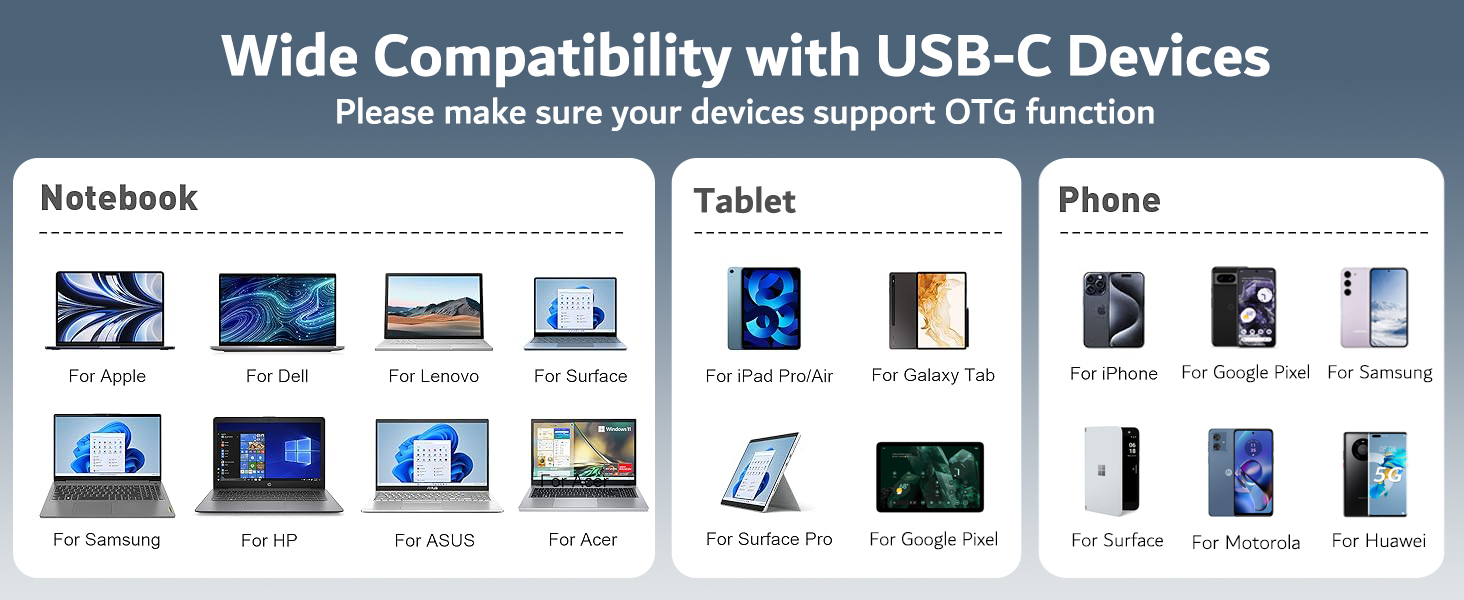
- 【Universal Compatibility】 Works with iPhone 17/16/15 series, MacBook Pro/Air, iMac, Mac Mini after 2018, iPad Pro 2022/2021/2020, iPad Air 2022, Surface Book 2, Surface Go, Surface Pro 7, Dell XPS 13/15 Samsung Galaxy S20/S21/S22/S23/S25,Google Pixel,tablet, laptop, and more USB-C devices (make sure phone has OTG function).
- 【Portable & Durable Design】Compact and lightweight, this memory card reader for iPhone and USB-C devices fits easily in your bag. Great for travel, vlogging, or professional shoots with digital cameras, SLR cameras, trail cameras, drones, or action cams. With the built-in expansion USB-C cable of this SD card reader, you can save space and use ports side by side. Get the ultimate USB-C SD card reader today!
Product information
Technical Details
Additional Information
| Date First Available | Aug. 19 2025 |
|---|---|
| Customer Reviews |
4.2 out of 5 stars |
| 鶹 Rank |
|
Feedback
Videos for similar products
From the brand

-
AIDOUBARA was born from the digital era's need for seamless connection. We redefine tech interactions through innovative accessories like our USB-C SD Card Reader, which combines minimalist design with high-speed data transfer. True to "Seamless Links, Real Experiences," we merge precision engineering with intuitive usability—making every exchange swift, reliable, and effortlessly elegant. Technology that understands both data and people.
-
-
-
Product Description
Q&A
| Q1 | Plug and play, but no response on iPhone or iPad? |
| - | IOS13 and later versions, after inserting the memory card reader on iPhone, the window will not pop up automatically, you need to open the Files APP manually to read the memory card. |
| Q2 | Why is my device not compatible? |
| - | 1. The USB C Card Reader that do not support the "Lightning" and "USB-A"interface |
| - | 2. Some SD/TF cards with encryption or special formats (such as camera-specific formats) |
| - | 3. Android phones and tablets that do not support OTG function (OTG support can be checked in settings or official specifications) |
| Q3 | What to do if the card reader does not work? |
| - | 1. Make sure the card is inserted in the correct orientation. |
| - | 2. Devices that support the OTG function, enable OTG on your device and find the SD card in the settings. |
| - | 3. If it still does not work, you can always ask us and we will help you solve it as soon as possible. |
| Q4 | How to find files on SD Card on iPhone? |
| - | Insert the SD card into the card reader > plug the card reader into thhe iPhone(TYPE-C) > click on the "FILES" app > click on the "Browse" > click on Browse's SD card name> Now you can view your files from your SD card on "SD card name" |
| Q5 | Error message when transferring files? |
| - | (1)If you fail to transfer large files, please try to format the SD/MicroSD cards to the right format for your devices. Recommend using MS-DOS (FAT) for 32GB or smaller cards, and exFAT for 64GB cards; (2)macOS system devices can only read NTFS by default, but not write. |